


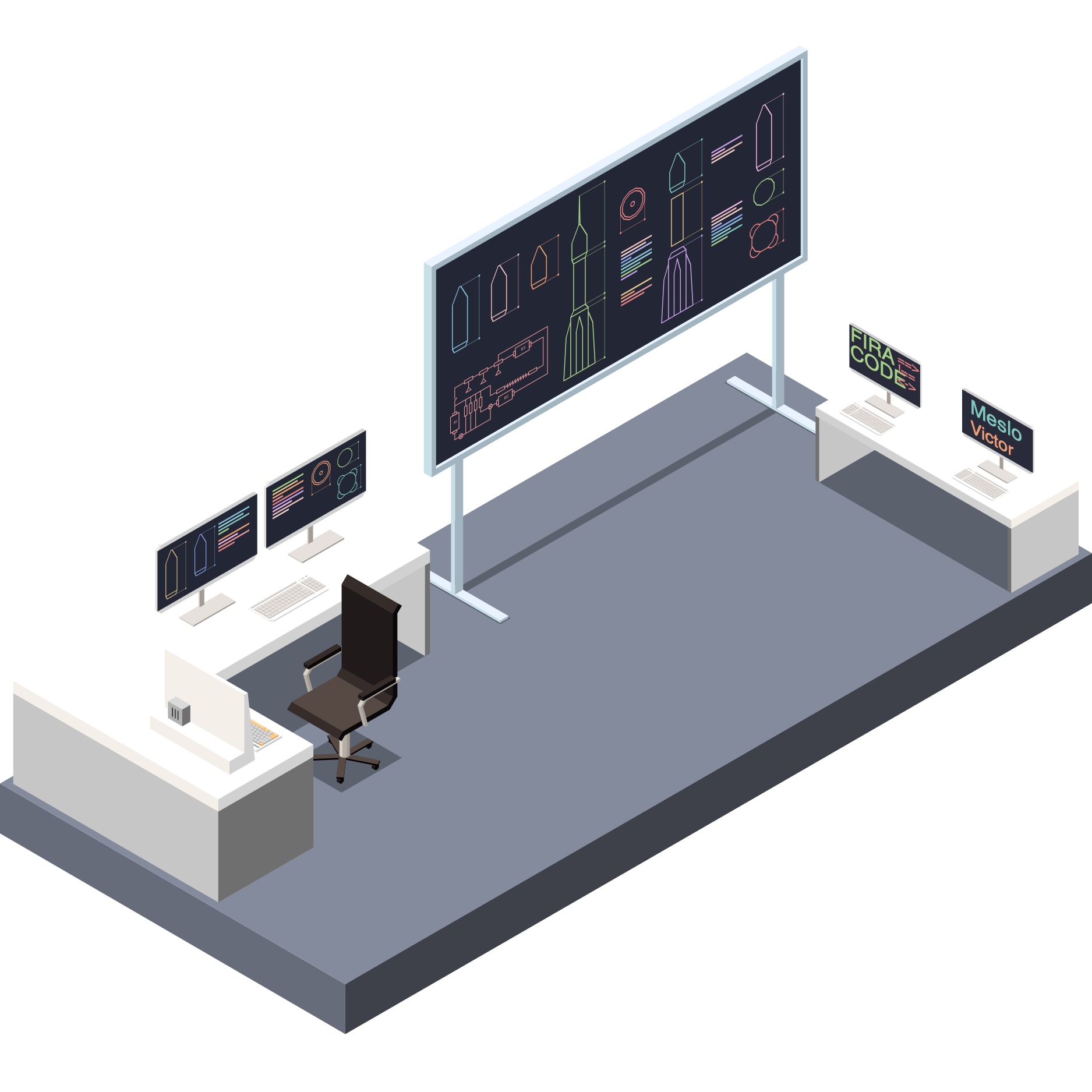
The workspace comes with the Catppuccin Frappé theme and three fonts, one each for the editor, the terminal and code comments, served to your browser by the workspace.

The editor and all colored output use the Catppuccin Frappé palette, a dark pastel theme chosen for readability over long sessions.
Open the Command Palette and run Preferences: Color Theme to pick another theme. The choice is saved as the workbench.colorTheme setting, "Catppuccin Frappé" by default.
To set the theme when a container is first created, merge it into the user settings:
docker run \
  -e WS_EDITOR_SETTINGS_MERGE='{"workbench.colorTheme": "Dark Modern"}' \
  -e WS_EDITOR_COMMENTS_DISABLE_FONT=1 \
  ghcr.io/kloudkit/workspace:v0.6.0
The example also turns off the comment font, which is tied to the color slot Catppuccin Frappé uses for comments: in another theme it can land on other code. Command-line tools with their own Catppuccin Frappé theme, such as bat, keep it.
Each font has its own place: FiraCode in the editor, MesloLGS in the terminal and Victor Mono for comments.
Set the font names in your user settings; run open-settings in a terminal to open them. These are the defaults:
{
  "editor.fontFamily": "Fira Code",
  "editor.fontLigatures": true,
  "editor.fontSize": 14,
  "terminal.integrated.fontFamily": "MesloLGS NF",
  "terminal.integrated.fontSize": 14
}
To set them when a container is first created, pass them in WS_EDITOR_SETTINGS_MERGE, as for the theme. The workspace serves only its three fonts, so install any other font on the computer that runs your browser. Keep a Nerd Font in the terminal: the prompt's icons need its glyphs. Comments stay in Victor Mono whatever editor.fontFamily says, until you turn the comment font off.
 The editor uses the FiraCode font, for its programming ligatures, which make operators and symbols easier to read.
The terminal uses MesloLGS (nerd), patched with the Nerd Font glyphs the prompt's icons need.
The Nerd Fonts cheat sheet lists every available glyph.
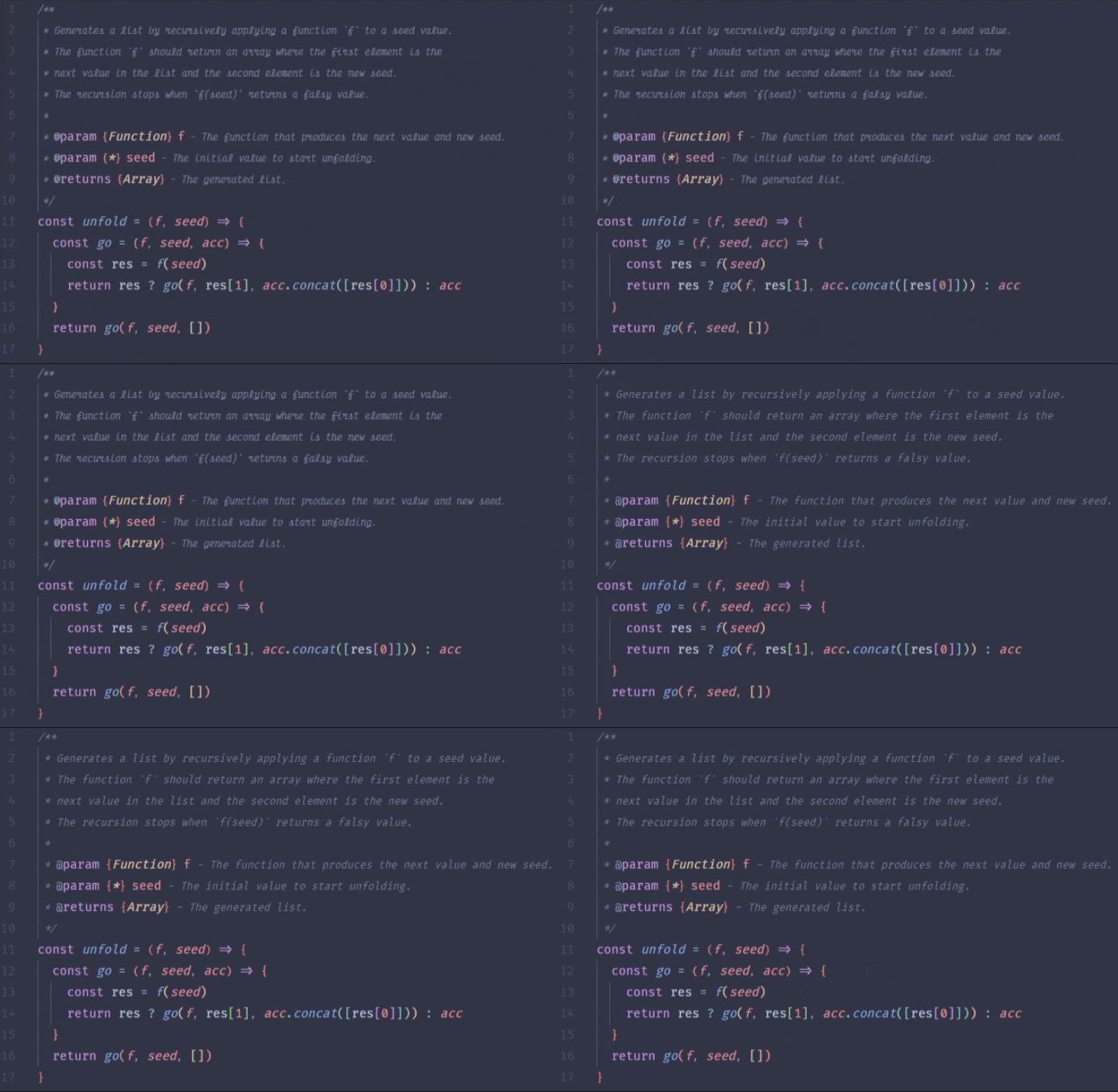
Comments use the italic Victor Mono, a cursive (handwriting) style that sets them apart from code. The font follows the color Catppuccin Frappé uses for comments, so punctuation, which shares that color, uses it too.
To disable the custom comments font, set this variable to either 1 or true:
WS_EDITOR_COMMENTS_DISABLE_FONT: Disables the custom font used for code comments.docker run \
-e WS_EDITOR_COMMENTS_DISABLE_FONT=1 \
ghcr.io/kloudkit/workspace:v0.6.0The animation below shows comments in the default font and how they appear when the font is opted out.
Fonts are provided directly through the workspace as web fonts, so you need no local installation.
However, when accessing the workspace over SSH, you might find that certain fonts are absent or display improperly on your local machine.
To fix this, download the font files from their upstream projects, FiraCode, MesloLGS and Victor Mono, then install them on your machine:
Install. Alternatively, open the Control Panel and click Fonts. Then drag and drop the file into this folder.Install Font in the preview window that opens.The table below lists the preinstalled fonts (and themes) and their licenses.
Thanks to the designers of these fonts.
| Name | License |
|---|---|
| Catppuccin | MIT |
| FiraCode | OFL 1.1 |
| Fira Sans | OFL 1.1 |
| MesloLGS | Apache 2 |
| Victor Mono | OFL 1.1 |